
The journal
Where can I find the odometer reading?
Find the model-specific total-distance display, distinguish odometer from trip and range, and confirm actual units instead of inferring them from the speedometer.
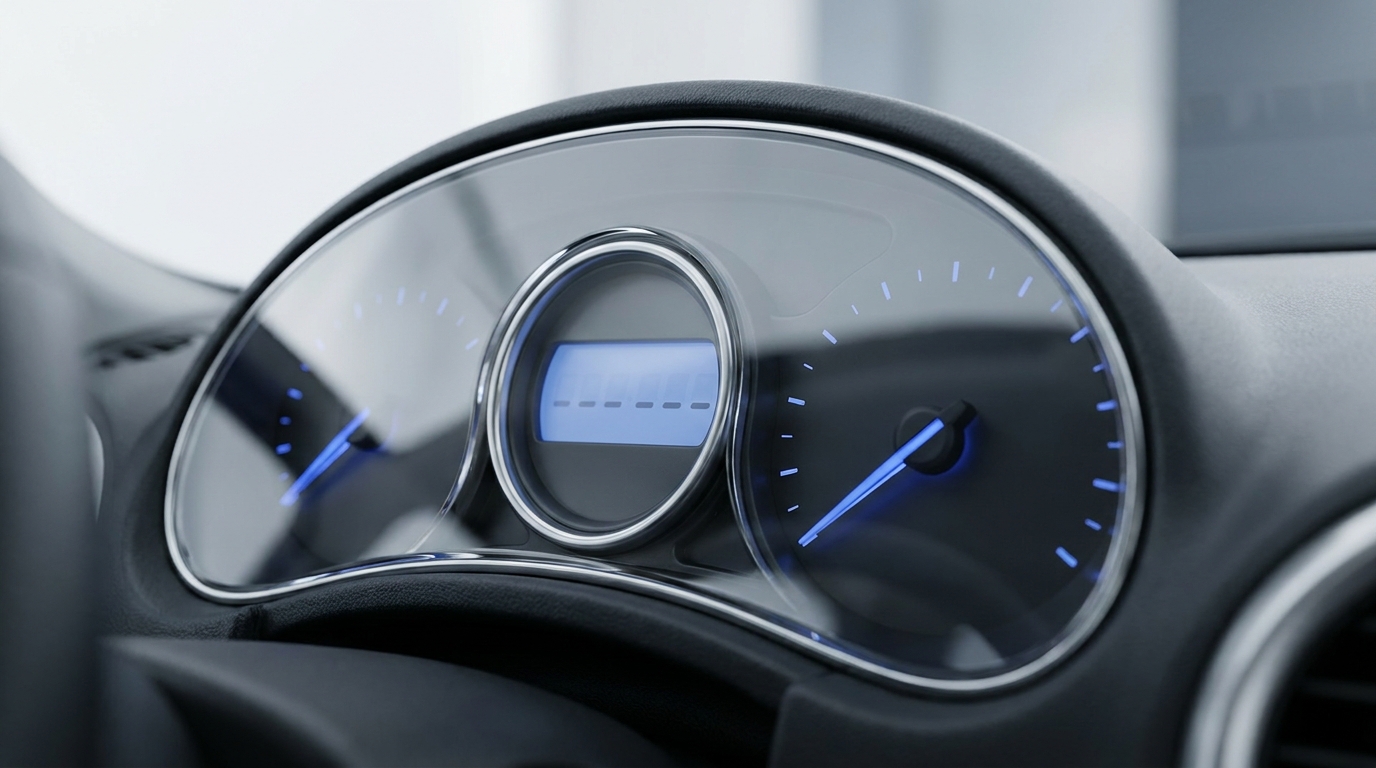
The odometer shows the vehicle’s recorded total distance, but its location depends on the model. It is often in the driver’s instrument cluster; some cars show it through a centre touchscreen menu or an associated vehicle app. Look for total mileage or ODO, and distinguish it from a resettable trip counter or estimated driving range.
Check the manual’s display or trip-information section
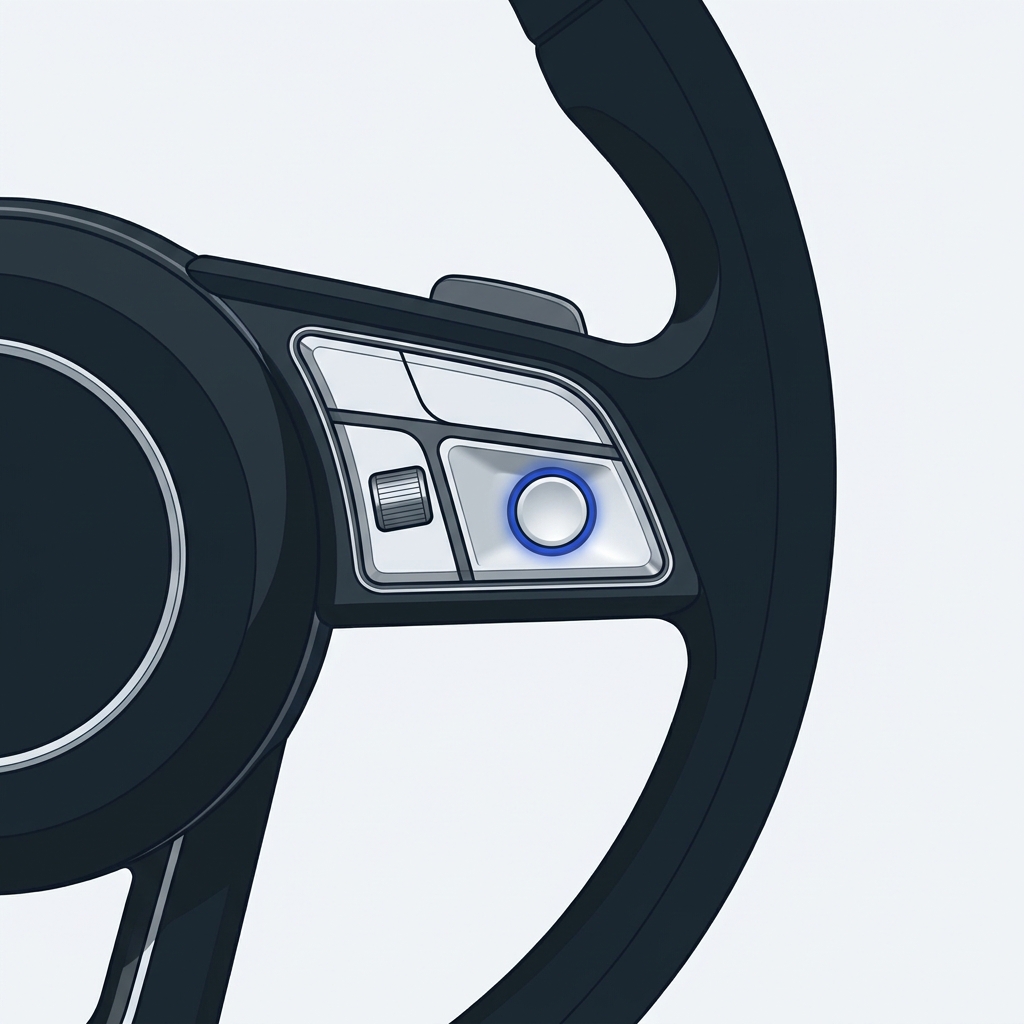
Park securely before browsing menus. Search the exact model’s manual for odometer, trip information or instrument display. Follow the documented control sequence instead of assuming every steering-wheel button cycles through an ODO screen.
For example, the cited Polestar 1 manual describes selecting trip information for its instrument panel. In contrast, Tesla’s documented 2017–2023 Model 3 interface lists Controls > Software, a Trips card and the mobile app as odometer routes. Those examples show why the location is not always a cluster directly ahead of the driver.
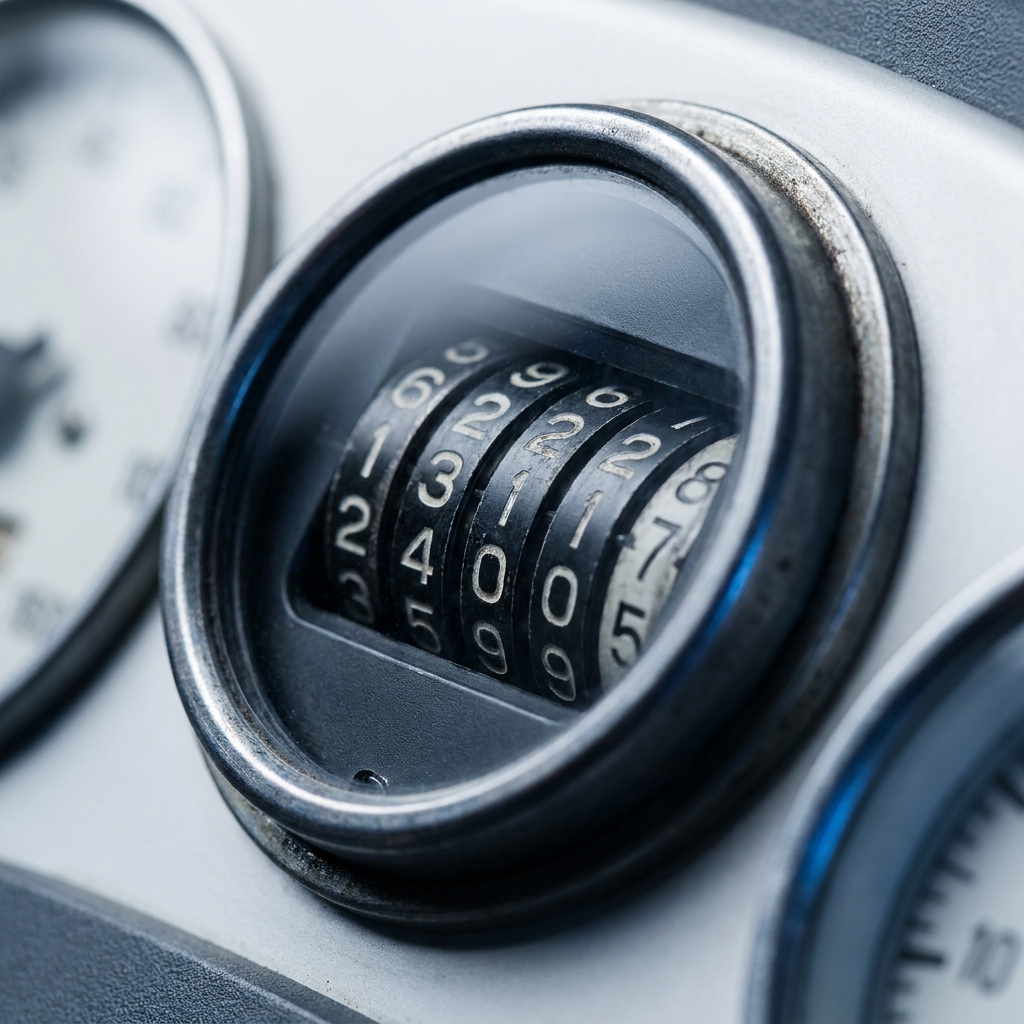
Separate the three kinds of distance
- Total odometer: the accumulated distance recorded for the vehicle. It is not reset like a normal journey counter.
- Trip meter: distance since that trip counter was reset. Labels such as Trip A, Trip B, TA or TM depend on the manufacturer.
- Range: an estimate of how far the vehicle can travel with its current fuel or battery. It is not a record of distance already travelled.
If the screen currently shows a trip counter, find the total-distance view using the manual. Do not press a reset button merely to see what happens; you may erase a trip total you wanted to keep without revealing the odometer.
Confirm the units and digits
Read the displayed number and the associated mile or kilometre setting. Do not infer odometer units solely from the speedometer’s main scale: displays and units can be configured differently. Check the distance-unit setting or the manual if the label is not visible.
Include a decimal only if that display actually shows one. Older rolling-number displays and modern digital totals do not all present fractional distance in the same way. If a form asks for whole miles or kilometres, follow the form’s instructions without confusing a trip reading with the total.
A simple recording example
Suppose a trip counter reads 156.2 and the total odometer view reads 42,780. The second figure is the one relevant to total vehicle distance. Confirm whether it is miles or kilometres before recording it for service. These are illustrative numbers, not a measurement of a particular vehicle.
If the total-distance view cannot be found, the display is faulty or the reading appears inconsistent with vehicle records, consult the model’s manual and an appropriate service professional. A display discrepancy alone is not enough to diagnose its cause.
Find and record the total odometer
